Fiber optic cable suddenly lost internet connection
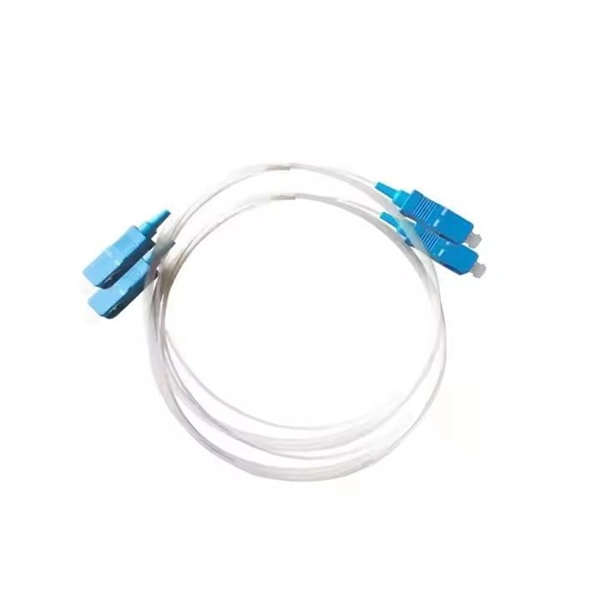
A sudden loss of internet on a fiber optic cable is often caused by physical damage, dirty connectors, or equipment faults, and can usually be diagnosed through systematic inspection and testing.Common Causes1. Physical Cable Damage: Fiber optic cables are sensitive to cuts, bends, or crushing. Even minor kinks or microbends can disrupt signal transmission, leading to complete or intermittent outages. Construction work, accidental impacts, or environmental stress can cause such damage . 2. Dirty or Damaged Connectors: Dust, oil, or scratches on connectors can block or scatter light signals, causing sudden connectivity loss. This is one of the most frequent causes of fiber network failures . 3. Equipment or Configuration Issues: Faulty transceivers, routers, or optical network terminals (ONTs) can fail unexpectedly. Incorrect settings, firmware bugs, or mismatched wavelengths between devices may also prevent the network from functioning . 4. Environmental Factors: Extreme temperatures, moisture ingress, or physical stress on the cable can degrade performance or cause signal loss .Step-by-Step Troubleshooting1. Inspect Cables and Connectors: Look for visible damage, sharp bends, or loose connections. Straighten any kinks and ensure connectors are securely plugged in . 2. Clean Connectors: Use a fiber optic cleaning kit with lint-free wipes and isopropyl alcohol to remove dust or oil from both ends of the connector . 3. Test Signal Strength: Use an optical power meter or OTDR (Optical Time Domain Reflectometer) to measure signal loss. Values outside the normal range (-15dBm to -30dBm) indicate a problem . 4. Check Equipment: Restart the ONT, router, or switches to resolve temporary glitches. Swap suspect transceivers with known-good units to rule out hardware failure . 5. Examine for Splice or Internal Faults: If the cable has splices, a bad splice can cause signal loss. OTDR testing can pinpoint internal breaks or faults that are not visible externally . 6. Verify Configuration: Ensure all devices are compatible, using the correct wavelengths and settings. Check for IP conflicts or firmware issues .When to Call a ProfessionalIf the outage persists after basic troubleshooting, or if you detect a cut, severe bend, or internal fault, professional repair is recommended. Fiber splicing and precise repairs require specialized tools and expertise to restore low-loss, reliable connectivity . By following these steps, you can systematically identify the cause of a sudden fiber optic internet loss and take appropriate action to restore your network.