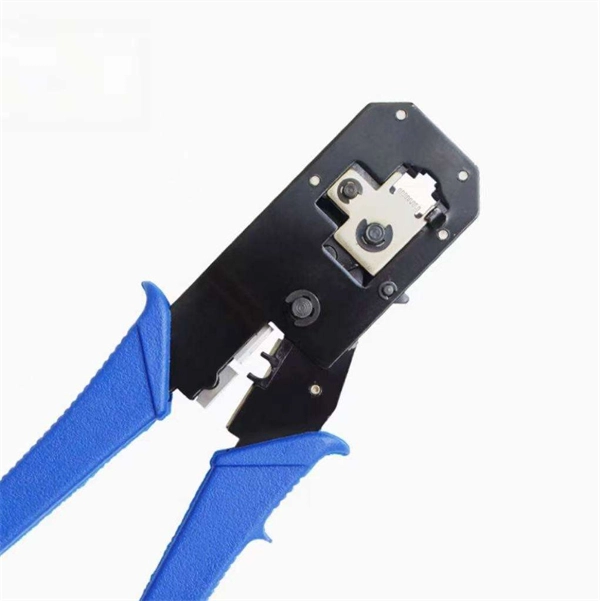
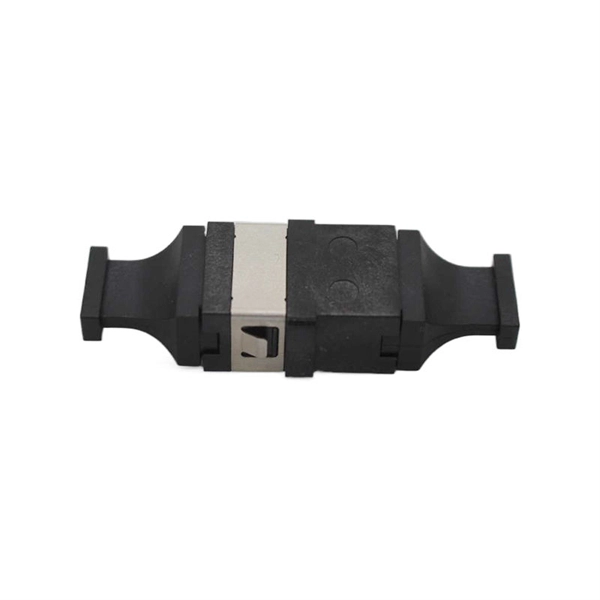
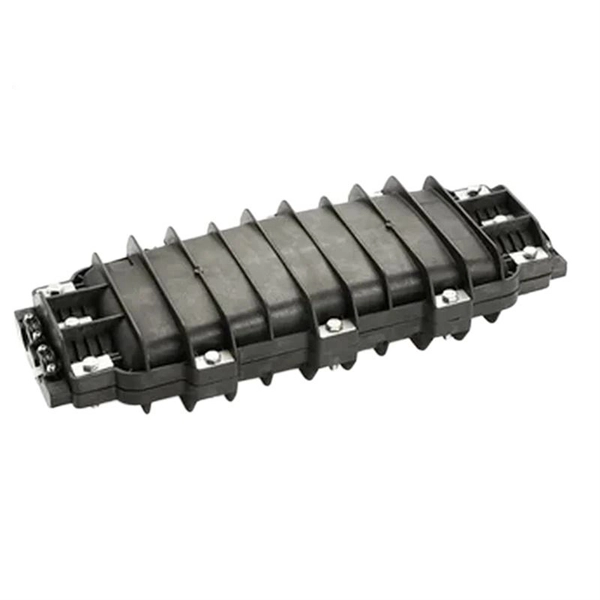
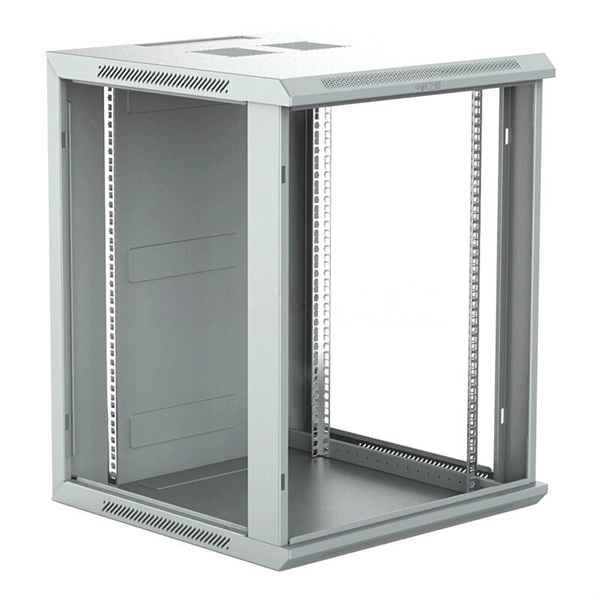
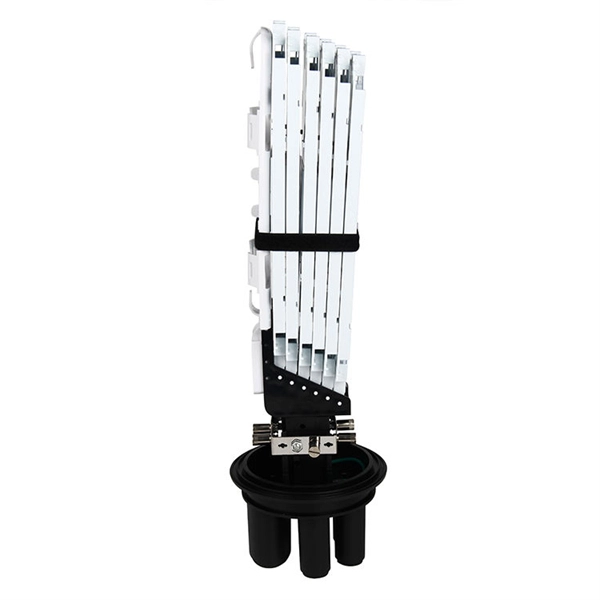
Small equipment for network cabinet installation
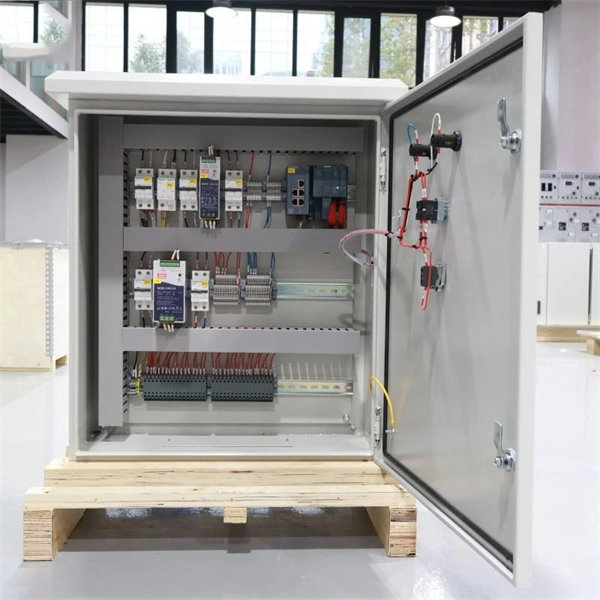
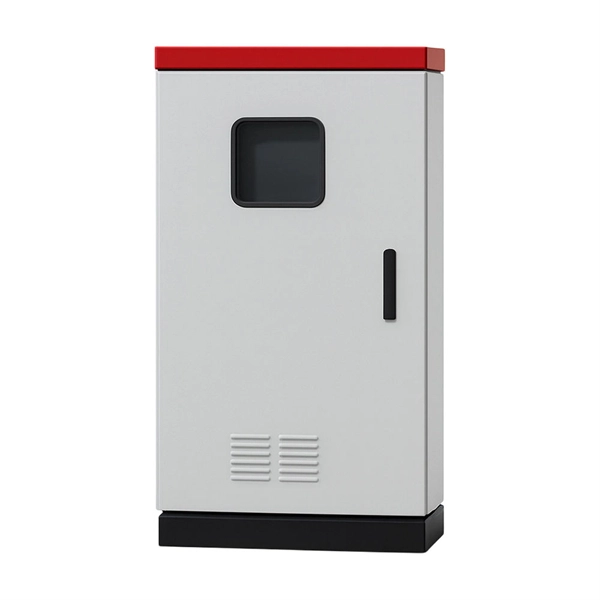
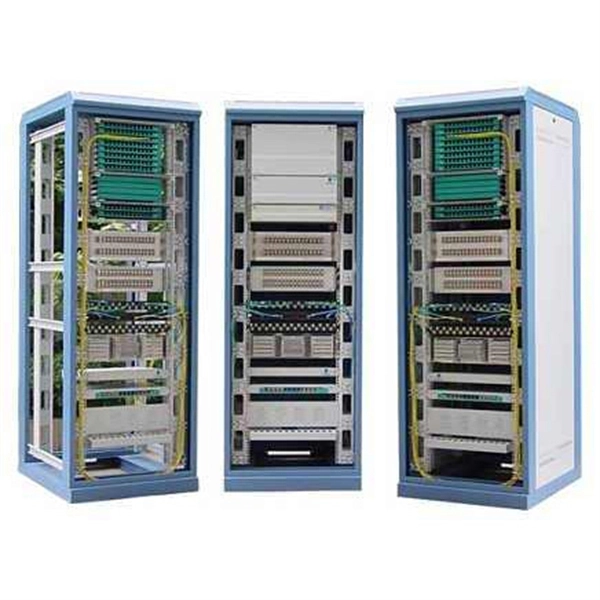
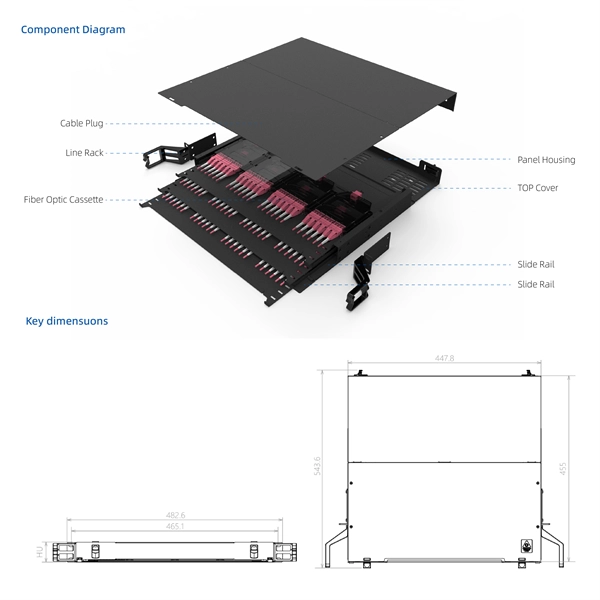
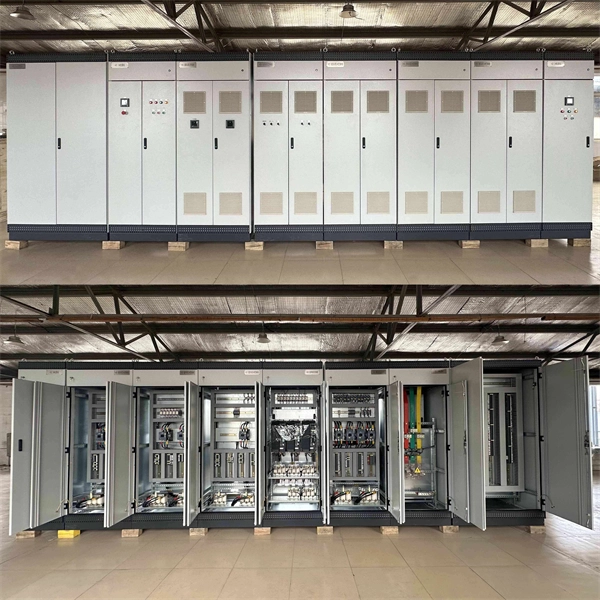
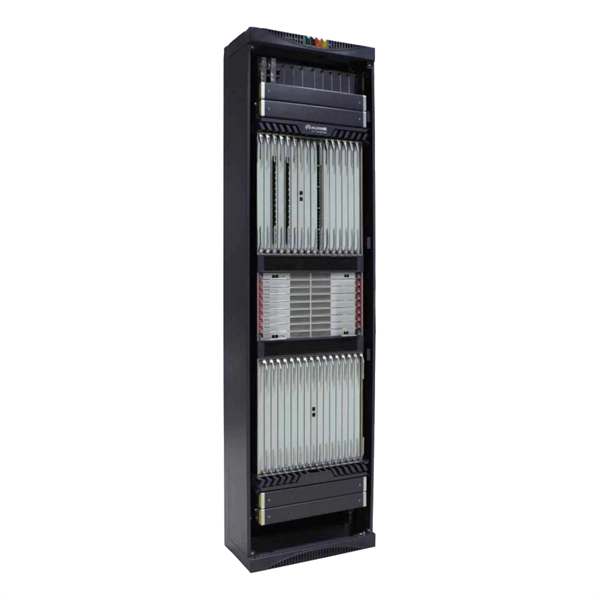
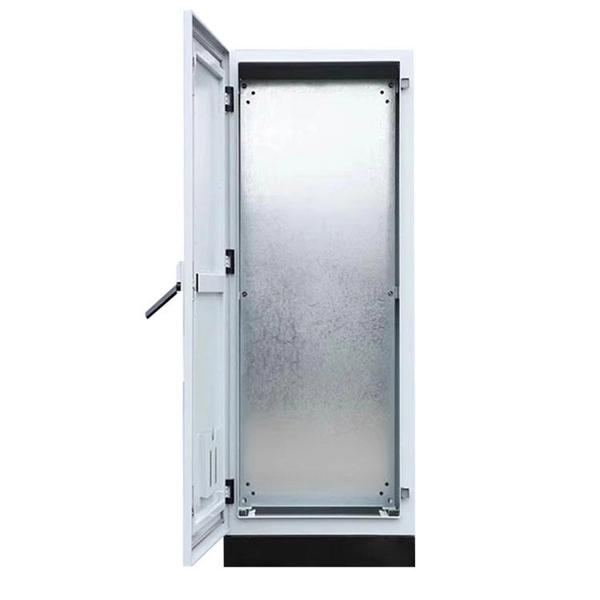
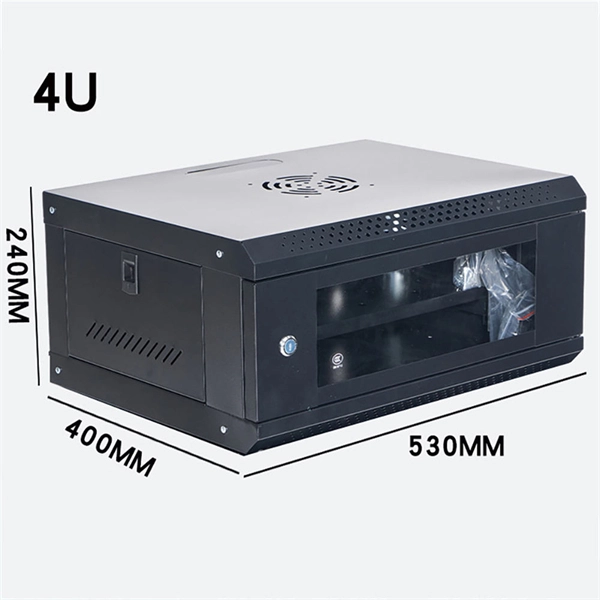
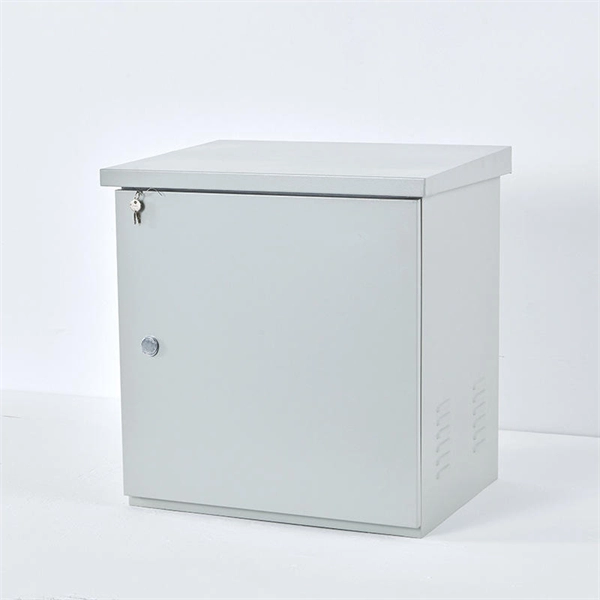
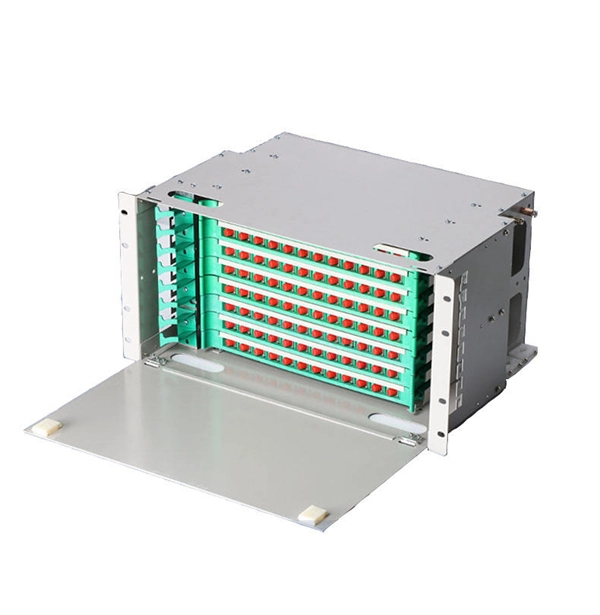
Installing a small network cabinet involves selecting the right cabinet, assembling it securely, organizing equipment, managing cables, and ensuring proper ventilation and power distribution.1. Choosing the Right CabinetFor small network setups, wall-mounted cabinets are ideal due to limited space, while floor-standing cabinets suit larger equipment or multiple devices . Ensure the cabinet has enough space for future expansion, proper air circulation, and proximity to a power outlet .2. Preparing Tools and MaterialsEssential tools include a screwdriver, wrench, level, electric drill, and cabinet mounting screws. Accessories like shelves, cable management panels, and power strips should be ready before assembly .3. Cabinet AssemblyInspect components: Verify all parts, including frame, doors, side panels, back panel, and support feet .Install the frame: Connect the base to uprights, secure with screws, and use a level to ensure stability .Attach panels: Install side and back panels to protect equipment and prevent interference .4. Equipment PlacementHeavier devices at the bottom: Place UPS units, servers, or switches near the base to lower the center of gravity .Align front and rear rails: Ensure mounting brackets are properly aligned to prevent sagging or misalignment .Use rails correctly: Sliding rails or brackets should follow manufacturer instructions for secure installation .5. Cable ManagementOrganize and label cables: Use color-coded labels or Velcro straps to separate Ethernet, power, and coaxial cables .Separate power and data paths: Minimize electromagnetic interference by routing cables separately .Leave rack space: Keep 10–20% of rack space unoccupied for future hardware .6. Power and VentilationInstall PDUs: Properly position power distribution units to avoid cord tension and ensure reliable power delivery .Ensure airflow: Maintain adequate ventilation, use built-in fans or perforated doors, and monitor temperature with sensors if available .7. Testing and MaintenanceVerify connectivity: Power up devices and confirm network functionality .Regular maintenance: Check cable organization, airflow, and equipment stability periodically . Following these steps ensures a secure, organized, and scalable small network cabinet setup, improving network reliability and simplifying future maintenance .